Happy Thanksgiving, everyone!
Thank you to our clients, agency partners, and everyone who's been reading my newsletter and supporting my posts this past year. I appreciate you trusting us with your work and following along as I share what I'm learning.
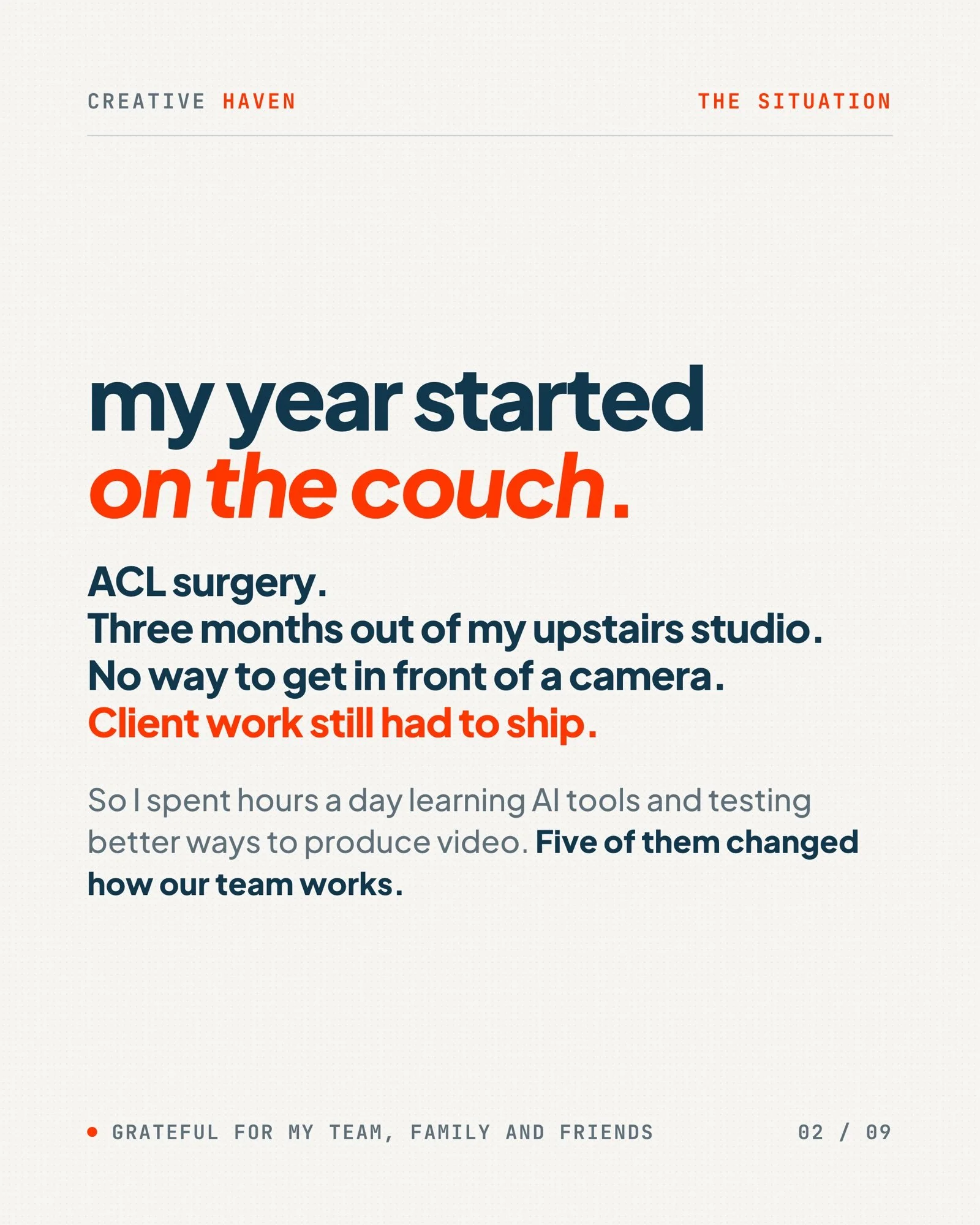
It started off as a rough year with ACL surgery that put me out of commission, so I'm grateful for my parents and friends who helped me get back on my feet.
My studio was in my office upstairs, so during the three months of recovery, getting in front of a camera wasn't an option. I had to work and serve my clients from my couch with my leg propped up on pillows.
Even though I was resting, we still had client work to deliver. While I worked on getting back on my feet, I spent hours learning about AI tools and testing ways to improve our video production process.
I'm grateful for my team of creators, who kept producing the content our clients needed. I was happy to watch all of us grow and learn together as these new tools supplemented our work.
That work gave us a better process for delivering content faster and getting more out of footage we'd already shot. With the right planning, we can now create months' worth of content from a single shoot, helping our clients get more from the same budget.
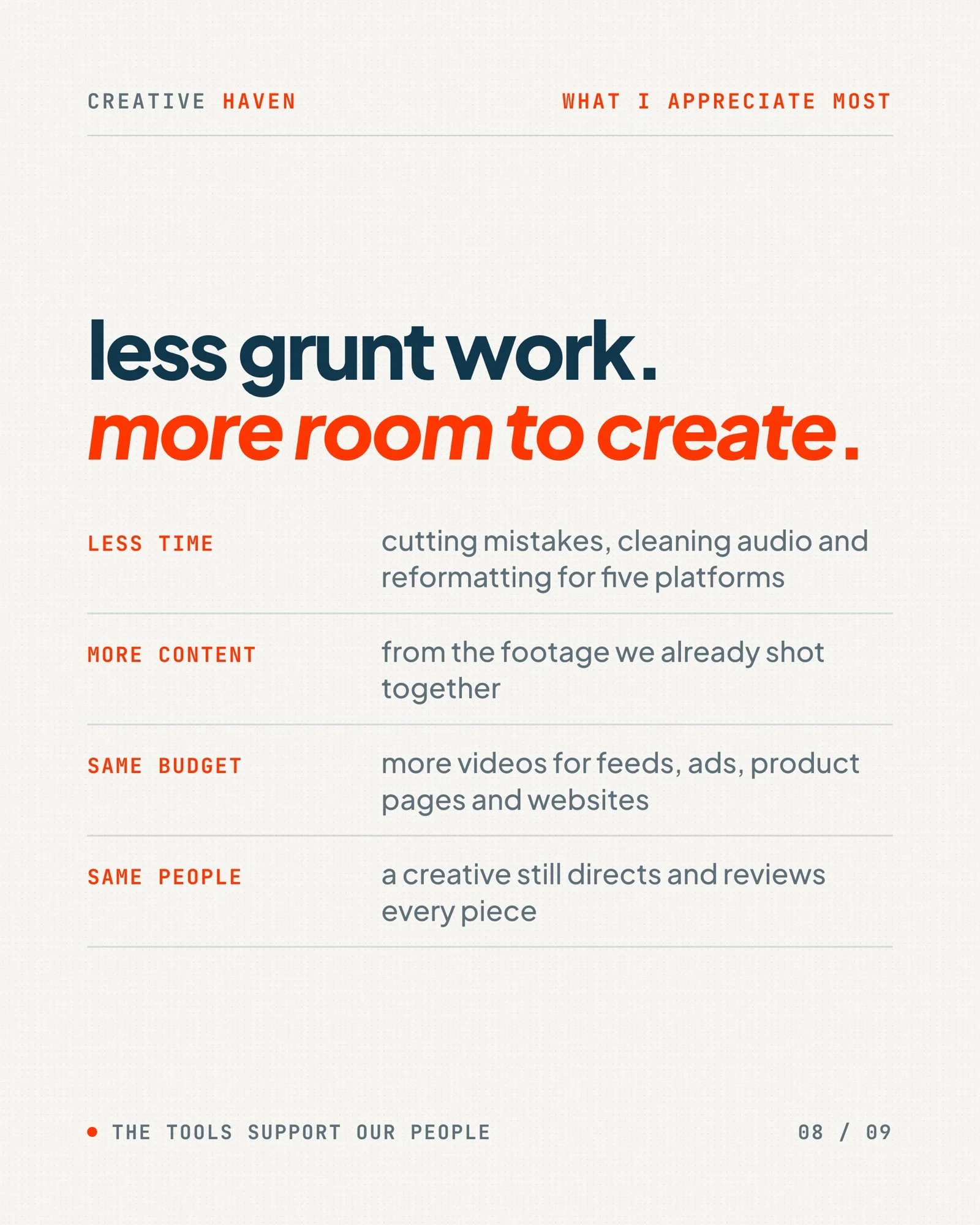
Our team still directs, shoots, edits, and makes the creative decisions. We use these tools where they help the project and handle the grunt work.
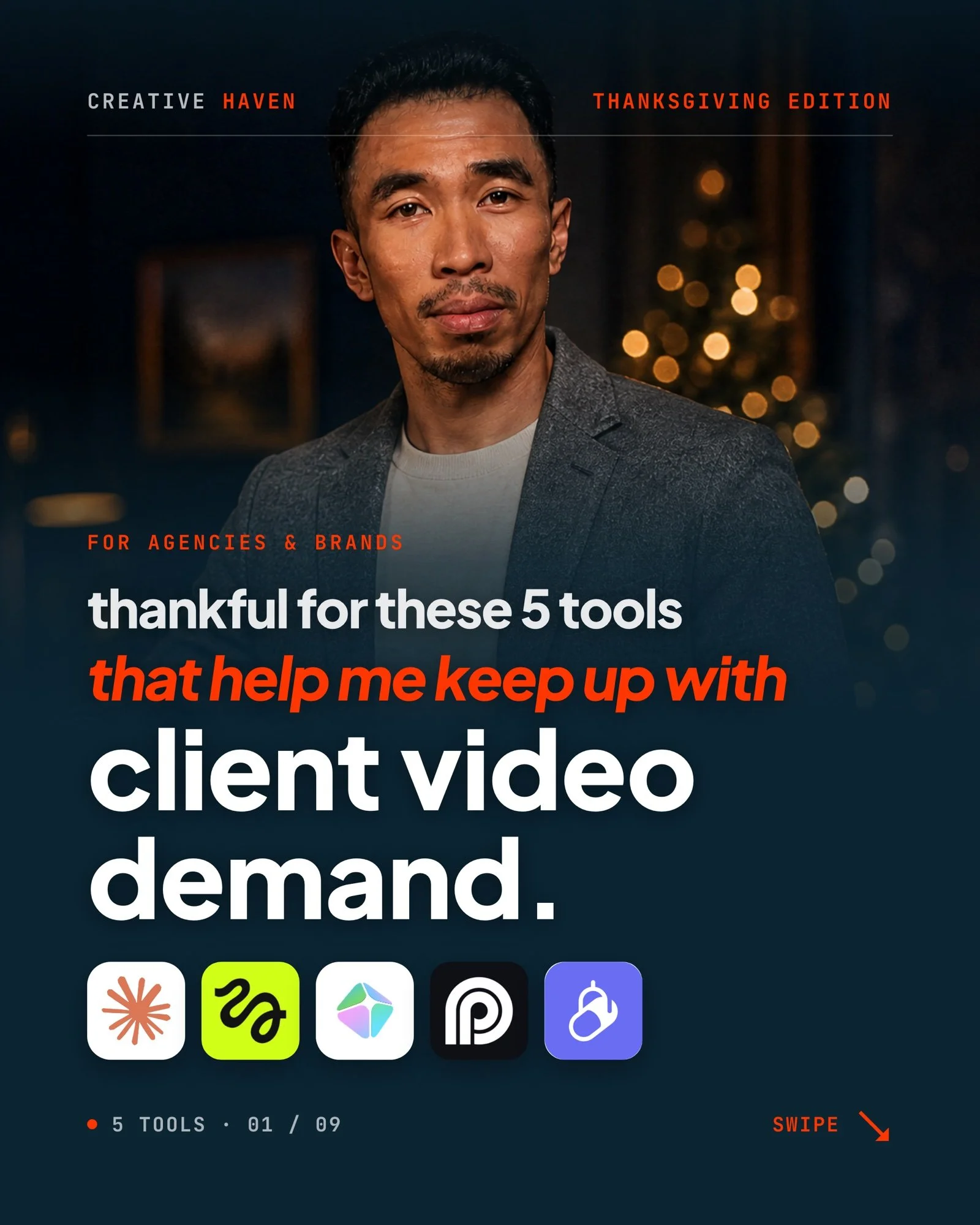
Here are the five tools that helped and became a big part of how I work.
1. Claude
I'm most thankful for Claude because of how much I've been able to build with it.
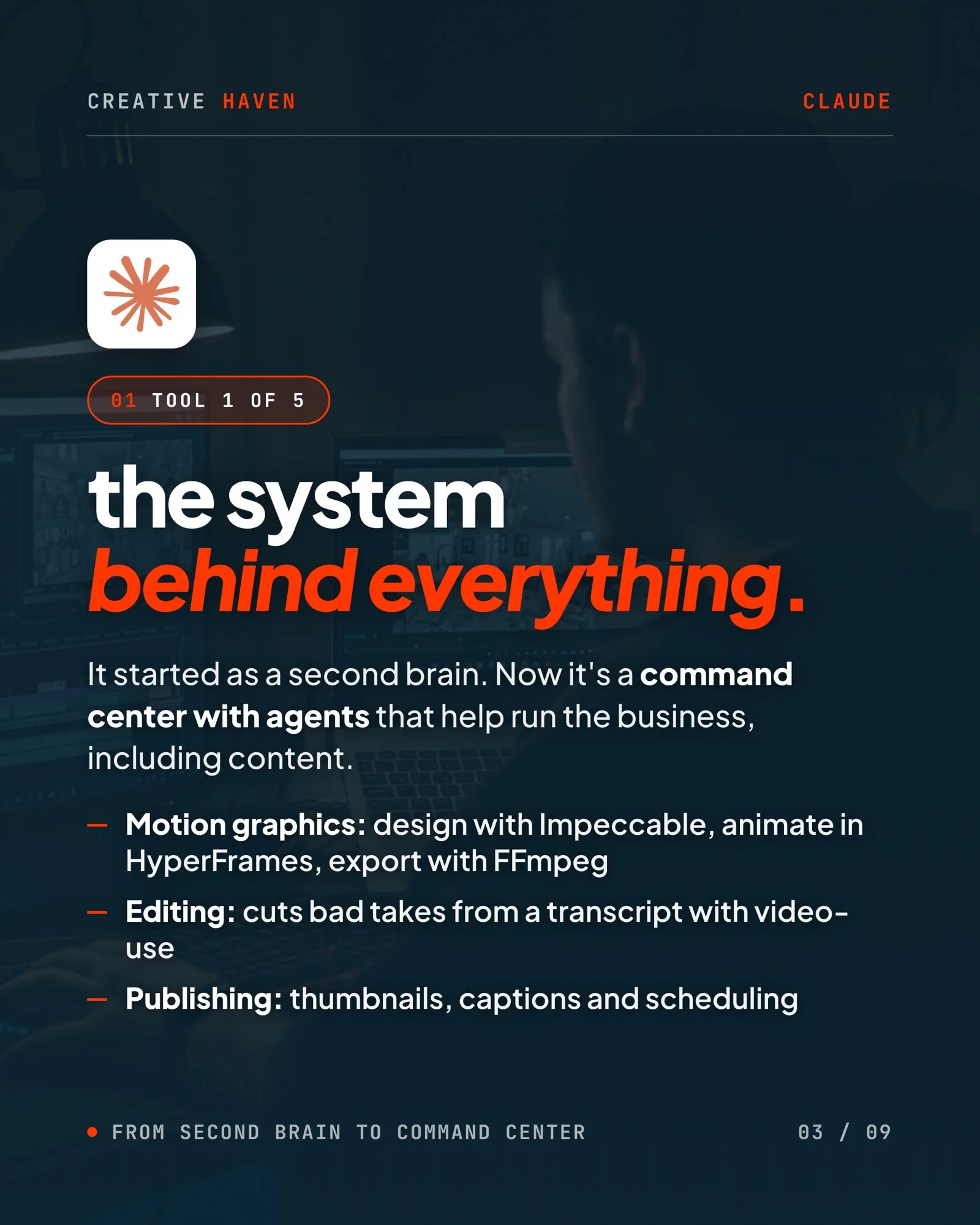
It started with building a second brain, then an operating system, and now a command center with agents that help me run my business, including producing content.
Motion graphics used to be one of the more tedious parts of post-production for me. Now I can work through a design with Claude using the frontend-design and Impeccable skills, animate the graphics in code using HyperFrames, and export the renders with FFmpeg. There's some setup involved, but that process has made custom graphics much easier to produce for our videos.
I also use Claude with the video-use skill to help find and cut bad takes using a transcript of my recording. I can record one long take without stopping every time I make a mistake, then review the edit.
And it helps with thumbnails, captions for each platform, and getting finished content scheduled for posting. Those little tasks add up when you're publishing regularly.
2. Higgsfield
This was the biggest unlock for me. For years, I was experimenting with Runway, Kling, Sora, Veo, and OpenArt to create videos and images for my content. Each had its own strengths, but as new models launched and older ones improved, it was hard to keep up, let alone pay for a subscription to each platform.
Then I learned about Higgsfield and how to use multiple models on one platform. Its community and Academy helped me get better at creating AI videos.
Having those models in one place makes it easier to try different approaches. Cinema Studio helps organize projects and gives me control over the look of a shot. Its AI Director helps break ideas into shots, while Supercomputer helps plan and carry out multi-step creative work. The MCP connection also lets me use Higgsfield from Claude and bring context from my second brain into the process.
I use Higgsfield for thumbnails, carousels, motion graphics assets, storyboards, concept art, and video generation. Sometimes I need a specific design element. Other times I'm testing how much more content we can make from product photos or footage we already have.
That second use is especially useful for agency work. A new content request doesn't always need another shoot. Sometimes we already have the material and need a different way to use it.
3. HeyGen
I believe this is going to be a big part of the future of talking-head videos. This one helped me keep publishing while I was recovering.
Before surgery, I recorded training footage for my avatar. After surgery, I used it to keep making tutorials for three months, even though I couldn't get into my studio. I wouldn't have made those videos otherwise.
Setting up the camera, lights, and audio takes time, even when you've done it for years. Being able to make another video without doing that whole setup was a huge help during recovery.
We've also filmed training footage for clients who want their own avatars for explainers, tutorials, and YouTube videos, so they don't need a new recording every time. It's an option for projects where an avatar makes sense.
HeyGen's newer avatar tools let you prompt gestures and expressions. For me, learning how to direct AI characters is another creative skill to develop, especially as the models improve.
4. OpusClip
We are in the age of clipping. To build awareness and traffic, you need to show up consistently in front of your target audience. Clips are the snacks for our attention-depleted brains, giving people a taste of the content we're cooking.
Long videos take a lot of work to make, so I think of them as clip farms to get more out of the time, effort, and resources we put into them.
I use OpusClip to find potential clips from interviews and longer videos, then caption and reformat them for social. Its Virality Score helps narrow down what to review, but I still choose which moments are worth sharing.
The scheduler is also connected to my Claude system, so there's less manual work between finishing a clip and getting it scheduled. That's helped me post consistently, and I've seen more leads and conversions as my content reaches more people.
For agencies with a library of client interviews, this is a useful place to start. There may already be weeks of content sitting in footage you've paid to produce.
5. Adobe Podcast Enhance Speech
Video needs good audio. Sound design, ASMR, podcasts, and music all remind me how much sound adds to the experience.
But audio cleanup can be tedious, from removing noise to evening out levels. Then I discovered Adobe Podcast's Enhance Speech, and it cut down the time I spent cleaning up recordings.
I upload the raw recording and use it to reduce background noise and echo, even out levels, and clean up the voice. It's cut down the time I spend mixing audio, especially when recordings come from different rooms and microphones.
It saved me on a shoot when one mic cut out, and I had to use the camera's internal mic as the audio source. It sounded really bad. After running it through Enhance Speech, the voice sounded much closer to a recording made with a podcast mic. I still listen back and check the result, but that recording was usable.
What I appreciate most
Recovering from surgery forced me to change how I made content. Some of the processes I built from my couch are now part of how I make tutorials and help our team serve clients.
I can spend less time cutting mistakes, cleaning audio, and preparing the same video for five platforms. That gives me more time for the parts I enjoy: serving my clients, building my business, being creative, and making the work better with our team.
For our agency partners and clients, that means getting more finished content out of the footage we create together. Brands need videos for social feeds, paid ads, product pages, and websites, even when their budgets stay the same.
The biggest takeaway for me is that learning these tools takes time, but finding the right place for them can give our team more room to be creative.
FAQ
Do AI tools replace a video production team?
No. In our work, people still direct, shoot, edit, and make the creative decisions. The tools handle repetitive tasks like cutting bad takes, cleaning audio, and reformatting clips.
How can an agency get more content from one video shoot?
Plan the shoot for multiple uses, then cut long interviews into short clips, reuse product photos and footage for new assets, and clean up audio so every piece sounds consistent.
What is the best tool for cleaning up bad audio?
We use Adobe Podcast's Enhance Speech to reduce noise and echo and even out levels. It has rescued recordings that only had a camera's internal mic, but we always listen back before using the result.
Need help keeping up with video requests going into 2027?
Creative Haven is a video production partner for agencies and brands. Get in touch with our team.
Enjoy Thanksgiving. I hope you get some time away from work today.
Mitchel