
Hiring the right in-house editor starts with knowing what your team needs them to deliver each week. In a candidate's reel, you might see a pouring shot, a clean product close-up, and a sharp title sequence. You can picture those shots in the work your agency makes for food, beverage, CPG, and ecommerce brands.
Then the work comes in. A launch needs paid ads, a product page needs a demo, and the social calendar still needs fresh cuts. If the hire struggles to keep up or misses details in the brief, your creative director spends more time managing edits. That leaves less room to take on new work, and you may find yourself hiring again.
Before you make an offer, use these five checks to see how each finalist would handle the work you need every week.
1. Watch their full edits
A finished spot shows whether an editor can carry a style, tone, and look from the opening through the final shot. A highlight reel can hide uneven pacing or a tone that shifts halfway through.
Have the candidate show a full edit that matches your style, tone, and visual look and explain what they handled. Pay attention to how the opening sets up the idea, how the middle builds on it, and how the ending lands.
For a beverage spot, watch how the edit moves from the pour to the product reveal. Can you read the label? Does the pacing give the product enough time on screen? Have the candidate explain why they made those choices.
2. Test their editing setup
Editors handle batches of digital files across a range of sizes, codecs, and file types. A busy week can mean working through a lot of video and editing several cuts from large source files. The computer needs to handle that workload, and the internet connection needs to move files quickly in both directions.
A slow download pushes back the start of an edit. Choppy playback slows down decisions in the timeline, and a slow upload can make a finished cut late for review.
Have the candidate send their computer specs and internet speed. Check the specs against the footage they'll edit and the download and upload speeds against your typical file handoffs.
3. Check codecs and exports
An editor should know which codec, file type, and export settings suit each deliverable and the platform it's headed to. Those choices help the video look sharp after upload and keep the file at a size your team can easily deliver.
Poor export choices can make a product label look soft once the video is live or leave your team with a file that's too large to upload. A paid social ad and a product-page demo can come from the same edit and still need different exports.
Give the candidate a few deliverables from a typical brief and have them explain which codec, file type, and export settings they'd use for each. Have them walk you through how those choices fit the destination and balance picture quality with file size. If they can show a comparable published spot, watch it on the device your audience uses and look at the label, captions, and fine details like bubbles or condensation.
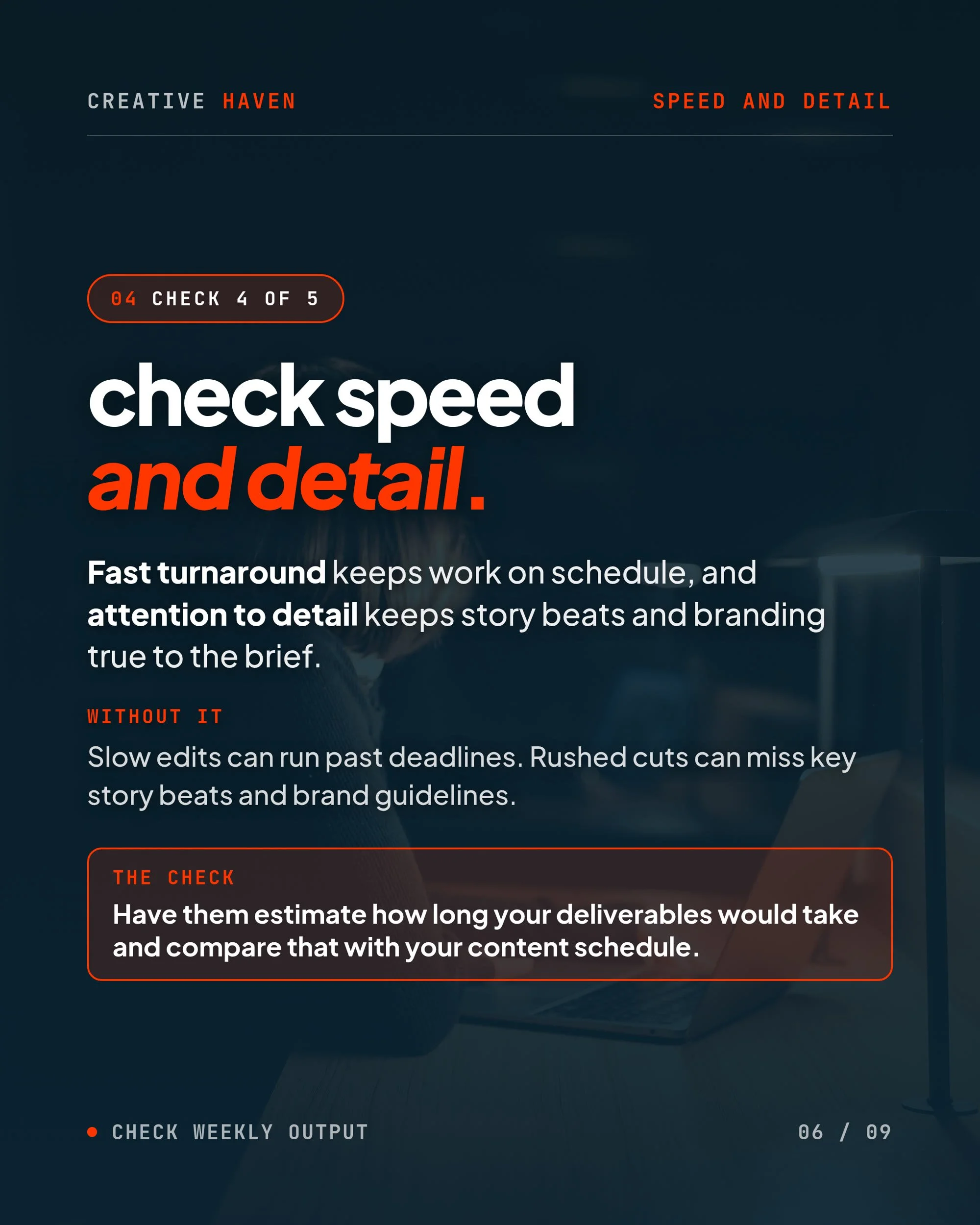
4. Check speed and attention to detail
Fast turnaround keeps the work on schedule, and attention to detail keeps the story and branding true to the brief. Slow edits can run past deadlines. Rushed cuts can miss key story beats and brand guidelines.
Give the candidate a typical weekly brief and ask how long each deliverable would take. Be clear about how much footage they'll sort through, how many versions you need, and when review happens. Compare their estimates with your content schedule and ask what they check before sending a cut.
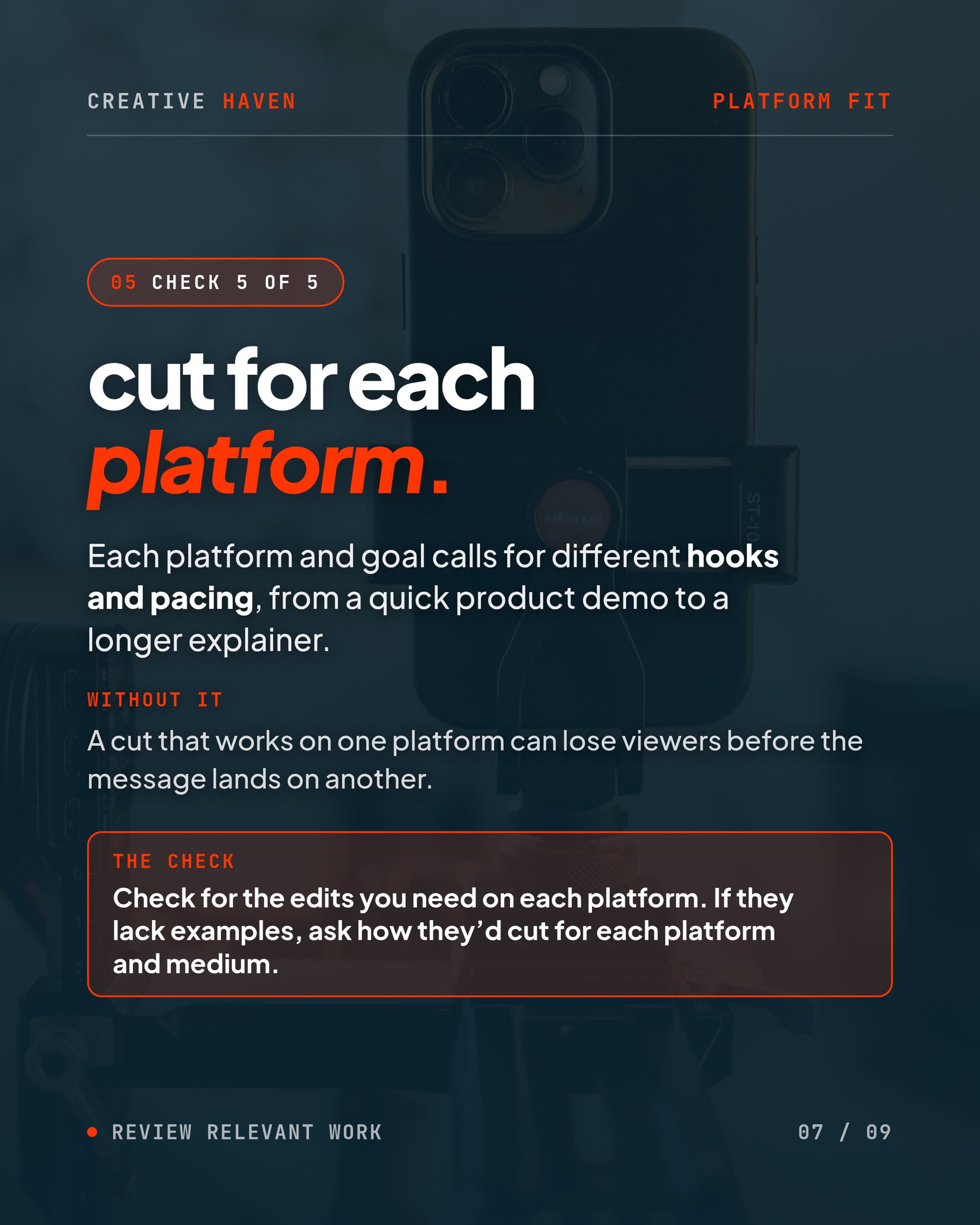
5. See how they cut for each platform
The platform and the goal shape the hook and pacing. If the opening takes too long to get to the point, viewers may leave before they see what the product does.
List the platforms you publish on and what each video needs to do. A social ad built to get shoppers to a product page might show the product in use and get to the benefit quickly. A short film can spend that opening building a scene. A quick product demo might start with the first step, while a longer explainer has room to establish context.
Ask the candidate to show the type of edit you need for each platform. If they lack relevant examples, ask how they'd cut for each platform and medium, including how they'd shape the opening, pacing, and call to action around the goal.
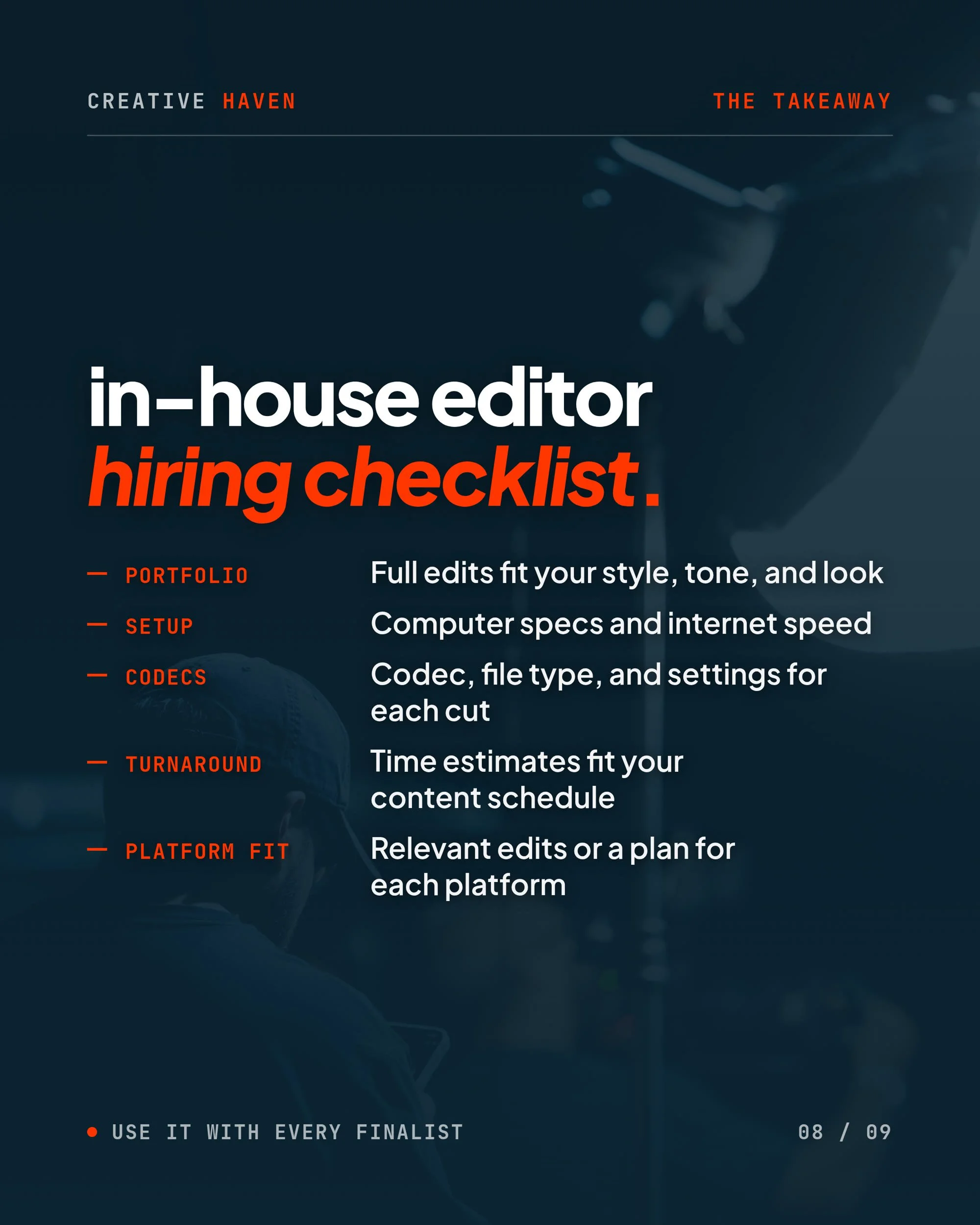
In-house editor hiring checklist
Use the same checks with every finalist and write down what they showed you.
Full edits match your style, tone, and visual look.
Their computer specs and internet speed fit your editing workload and file handoffs.
They choose the right codec, file type, and export settings for each deliverable and platform, keeping the video sharp at a suitable file size.
Their turnaround estimates fit your content schedule and allow time to check story beats and brand guidelines.
They show relevant edits or explain how they'd cut for each platform and medium.
Need an editor for your agency?
With more than 20 years in video production for agencies and brands, we can help you find an editor in our network or serve as your in-house editing team.
FAQ
What should I check before hiring an in-house video editor?
Review their full edits, confirm their computer specs and internet speed, ask how they'd export your deliverables, compare their turnaround estimates with your content schedule, and review cuts for each platform you use.
How do I tell if a video editor can keep up with my agency's content schedule?
Give them a typical weekly brief with the amount of footage, the versions you need, and the review timeline. Ask how long each deliverable would take and what they'd check before sending a cut. Compare their estimates with your schedule.
How can I assess a video editor who lacks portfolio examples for one of our platforms?
Ask how they'd cut the video for that platform and medium. Have them explain how they'd shape the opening, pacing, and call to action around the video's goal.